BINDER PAGES THAT LOOK DESIGNED.
Scan your cards. Cardrecipe reads their colours and arranges the page around them — so a binder looks intentional instead of chronological.
- NO ADS.
- NO LOGIN TO PLAN
- FREE FOREVER
- WORKS OFFLINE
iOS AND ANDROID · FREE FOREVER · NO ADS
WHAT IT ACTUALLY DOES
Four things, done properly — not a marketplace, not a price tracker, not another spreadsheet.
READS A CARD
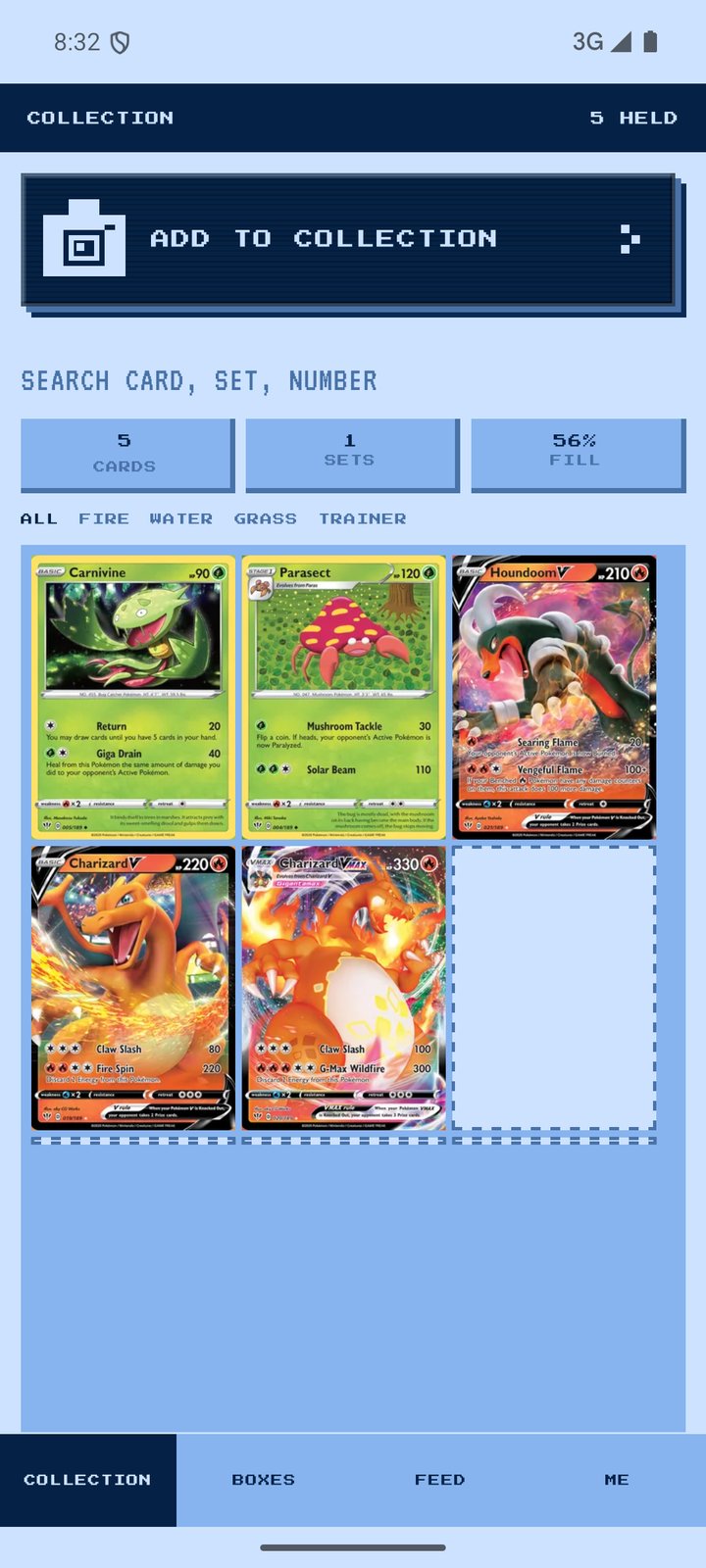
Point the camera at a card and it reads the name and the little number at the bottom, like 19/189. On your phone. The photo is never uploaded.
KEEPS YOUR COLLECTION
Every card, every copy. Search the way collectors talk: charizard, 19, 19/189, swsh3-19.
ARRANGES THE PAGE
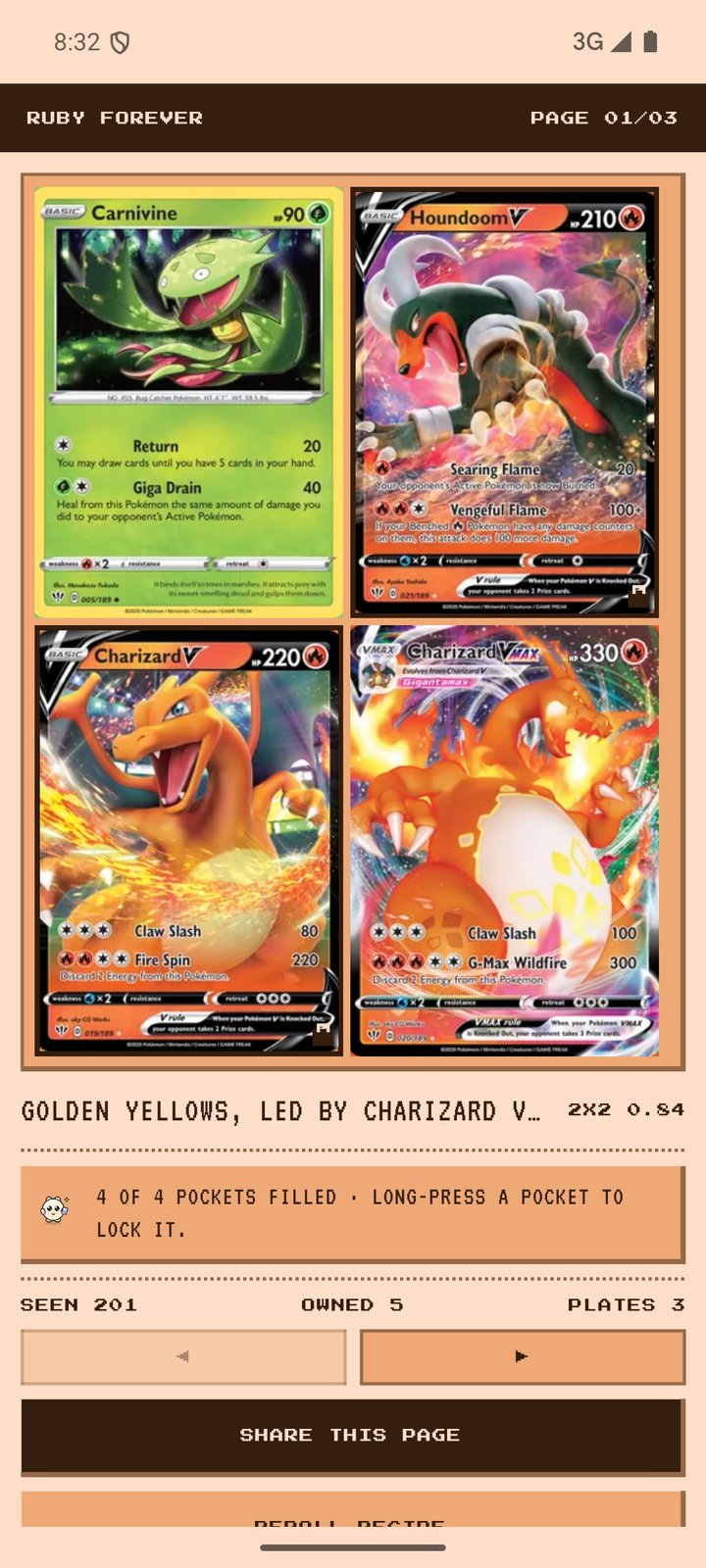
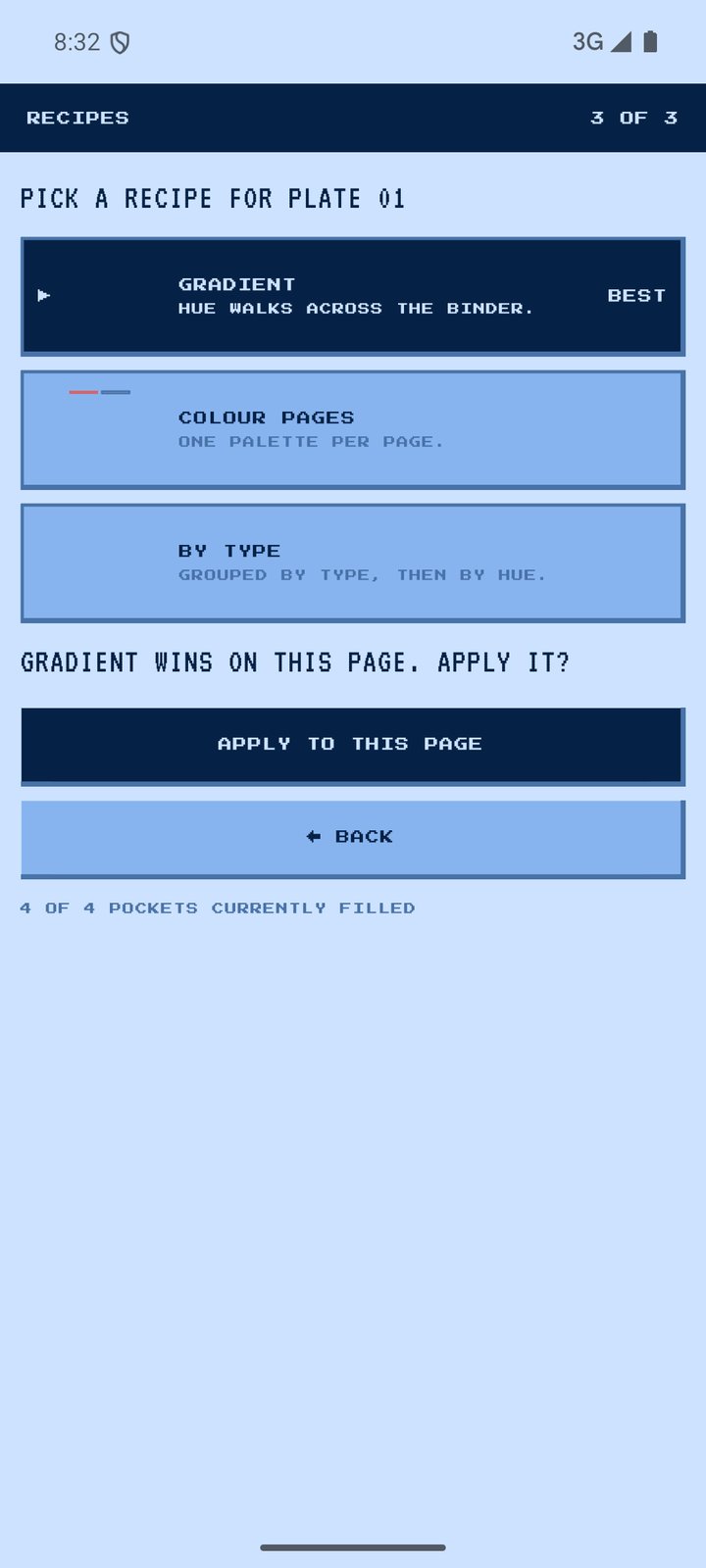
2×2 up to 3×4, several pages per binder, three ways to sort. Lock a pocket and re-rolling leaves that card exactly where it is.
SHARES IT
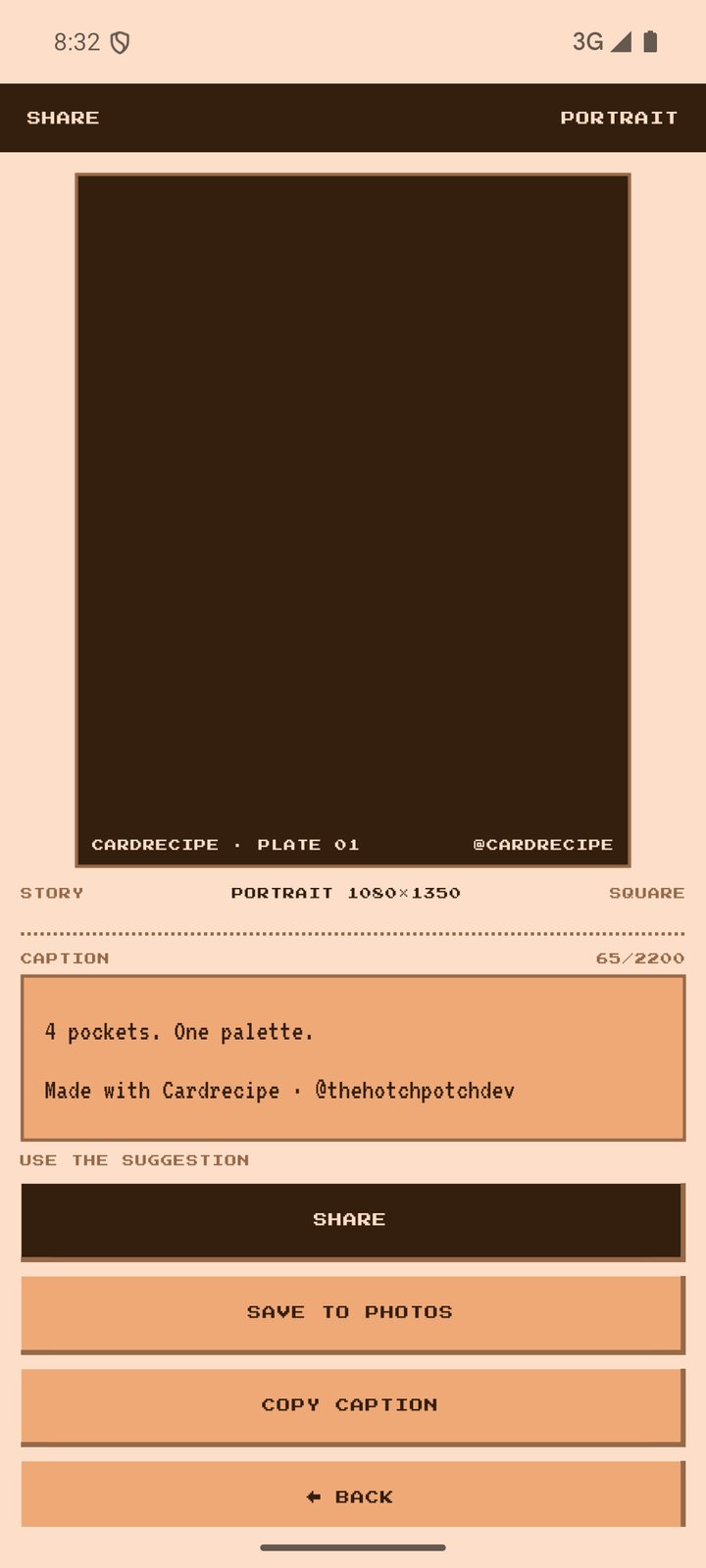
Export a page as a story, portrait or square image at real Instagram sizes — with a caption you can edit.
THREE STEPS, NO SETUP
- SCAN OR SEARCHPhotograph a card, or find it in the catalogue that ships with the app.
- PICK A PAGE SIZE2×2 up to 3×4, then press MAKE IT LOOK GOOD.
- SHARE ITSave to photos, or post it to the feed if you want to.
Half-empty page? It suggests cards whose colour would finish it — from the catalogue, not from your wallet.
NO ADS. NO LOGIN. FREE FOREVER.
That is not a trial, and there is no “pro” tier hiding behind it. The app is made by two structural engineers who wanted a better binder, not a subscription.
YOUR COLLECTION STAYS ON YOUR PHONE
No account needed to plan. No photos leave the device. No analytics or advertising software inside the app.
POSTING IS OPTIONAL
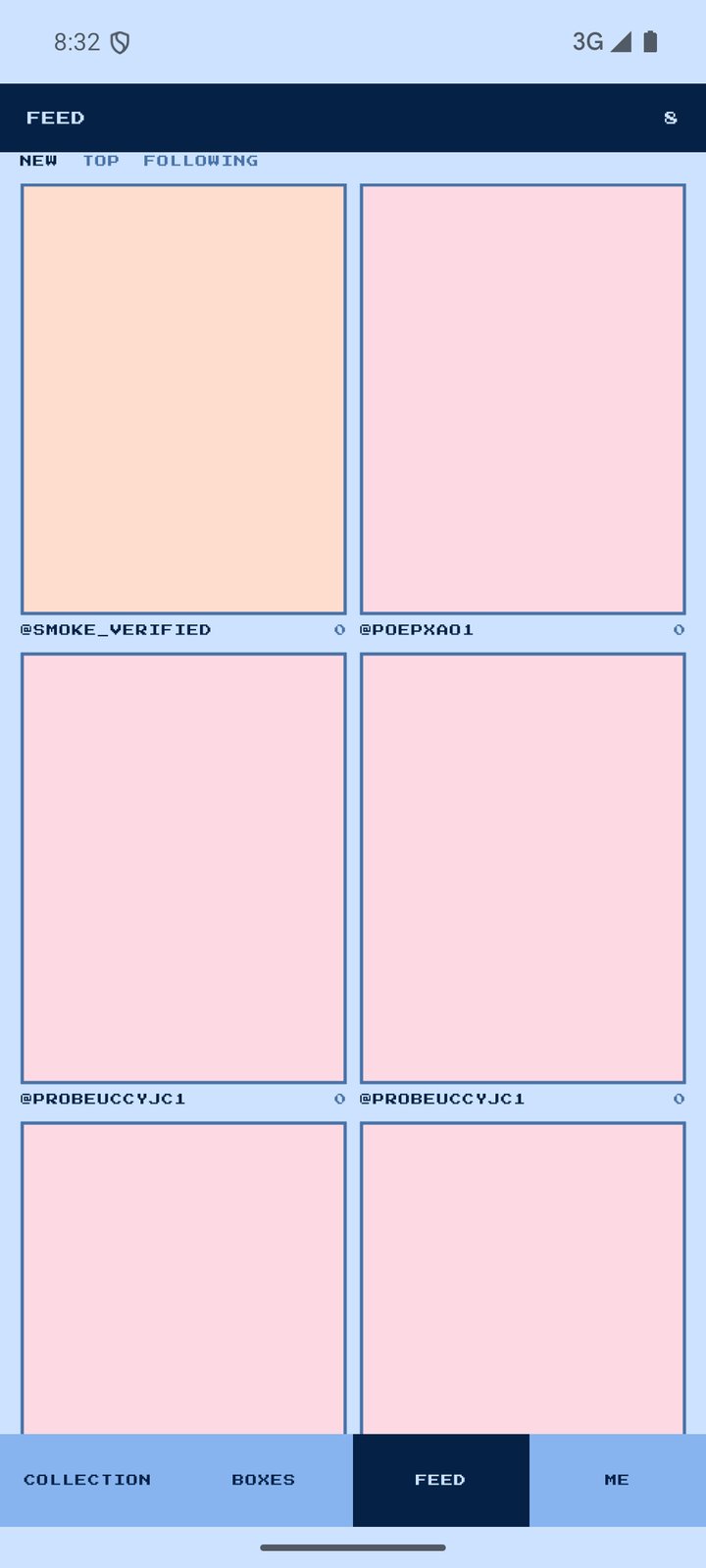
The community — feed, likes, comments, blocking, reporting — exists if you want it. You can ignore it forever.
NO PRICES, NO GAMBLING
No card valuations, no pack-opening mechanics, no dark patterns. It is a binder tool.
GET IT
Android first. iOS follows once the App Store record is live.
Version 1.0.0 · Android 7 and up